How to Write an ATS Friendly Resume That Beats the Applicant Tracking System
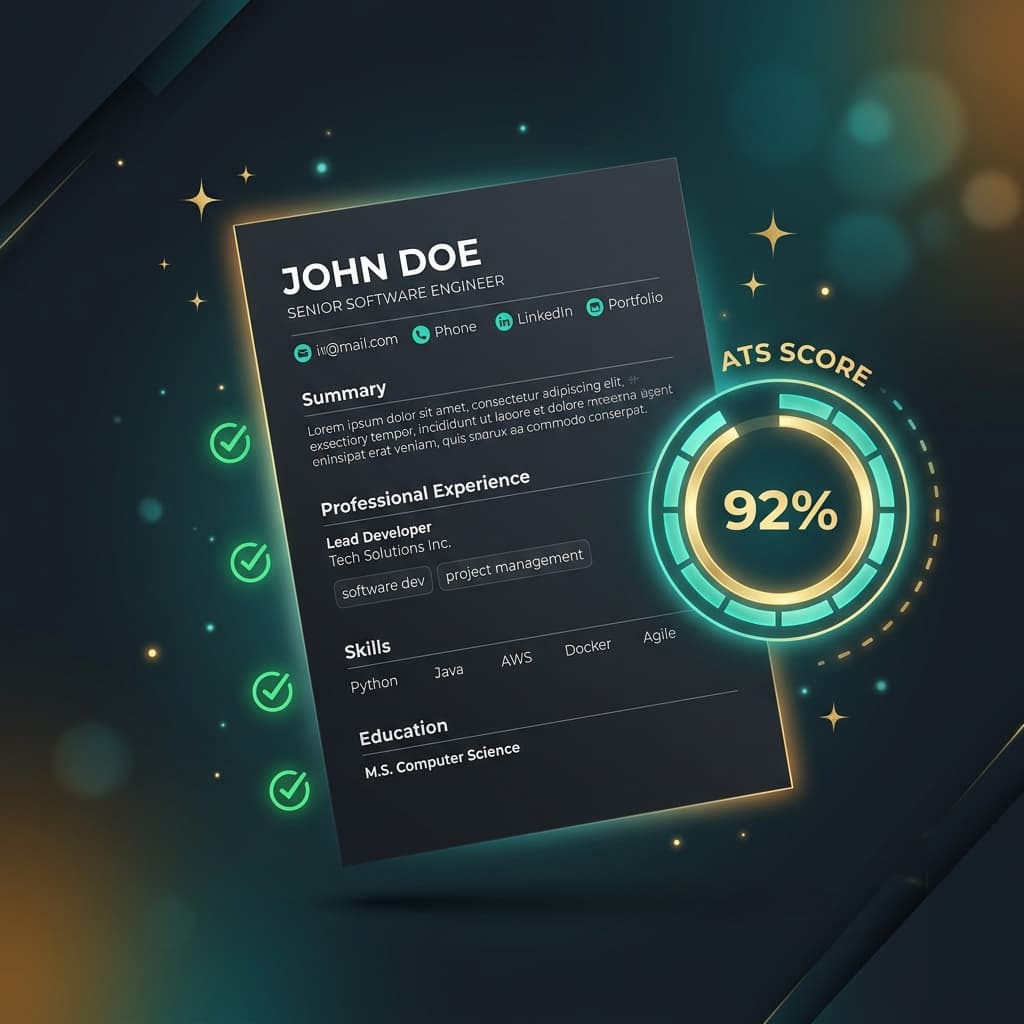
Every week, thousands of qualified candidates are rejected — not because they are underqualified, but because their resume is not ATS friendly. Here is how to fix that, permanently.
Why "ATS Friendly" Is the Most Important Resume Attribute in 2026
The term ATS friendly resume refers to a resume that has been formatted and written to be easily parsed, understood, and scored highly by an Applicant Tracking System. In 2026, with the US and UK labor markets receiving millions of digital applications per month, employers at all levels — from startups to government agencies — use ATS software to manage candidate pipelines. If your resume is not ATS friendly, your chances of being seen by a recruiter drop to nearly zero.
Creating an ATS friendly resume does not mean stripping your resume of personality or removing all visual design. It means structuring your document so that a machine can extract your data cleanly and score you favorably against the job requirements, while also presenting content that impresses a human reviewer once your resume passes the automated screen.
The 7 Pillars of an ATS Friendly Resume
1. Single-Column Layout
ATS parsers read text in a linear, left-to-right, top-to-bottom sequence. A two-column or three-column layout causes the parser to interleave text from different sections, producing garbled output. Your job title from column one ends up merged with your education heading from column two. The result is a corrupted profile that scores poorly or not at all. Always use a single-column layout for full ATS compatibility.
2. Standard, Readable Fonts
Use universally recognized fonts: Arial, Calibri, Georgia, Times New Roman, or Roboto. Avoid decorative fonts, custom Google Fonts, or web-only typefaces. Some ATS parsers convert fonts to plain text and decorative fonts can produce character encoding errors. Font size should be between 10pt (for body text) and 12pt for the best readability and clean extraction.
3. No Tables, Text Boxes, or Graphics
Tables, text boxes, and graphical elements (skill bars, pie charts, icons, logos) are the enemy of ATS parsing. The parser either skips them entirely or extracts their content as a random string of disconnected characters. Place all text — including skills and contact information — in the main, linear body of the document.
4. Standard Section Headers
Use the following standard headers that all major ATS platforms are trained to recognize:
- Professional Summary (or Summary, Objective)
- Work Experience (or Professional Experience, Employment History)
- Education
- Skills (or Technical Skills, Core Competencies)
- Certifications (or Licenses & Certifications)
5. Keyword Alignment with the Job Description
The most powerful way to make your resume ATS friendly is to mirror the language of the job description. Read the posting carefully and identify the most frequently used keywords — particularly hard skills, software tools, certifications, and job-specific terminology. Integrate these keywords naturally into your Professional Summary, Work Experience bullets, and Skills section. Repeat the most critical terms 2-3 times across different sections for maximum scoring weight.
6. Contact Information in the Document Body
Many candidates place their name, email, phone, and LinkedIn URL in the document's header section. However, many ATS parsers are programmed to skip headers and footers — they only reliably read the main document body. Always place your full contact information within the first section of the document body, not in the header region.
7. Text-Searchable PDF or Standard DOCX
Submit your resume as either a text-based PDF (where you can highlight and copy the text) or a standard DOCX file. Never submit a scanned image saved as a PDF — ATS parsers cannot extract text from image-based documents, causing your entire application to produce a blank profile.
Get Your Free ATS Friendly Resume Score — Instantly
Wondering if your resume is truly ATS friendly? Upload it now and paste a job description. Our AI will score your ATS match rate, identify every formatting issue, and rewrite your resume to be perfectly ATS-optimized in seconds.
Upload Resume
PDF, DOCX, or TXT
Tap to upload or drop file
PDF, DOCX, or TXT
Don't have a resume?
Build a professional ATS-friendly resume from scratch in minutes.
Target
Select a Job Role to check your ATS score against that profession and have our AI optimize your resume for it. Switch to Job Description for a precise analysis.
ATS Friendly Resume Template: Section-by-Section Breakdown
Professional Summary (3-4 Lines)
Open with a tight, keyword-rich professional summary. Incorporate the target job title, 2-3 core skills, and your years of relevant experience. Example: "Results-driven Data Analyst with 5+ years of experience in SQL, Python, and Tableau, specializing in customer behavior analysis and data-driven product optimization for SaaS companies."
Work Experience (Chronological, Metrics-Driven)
List roles in reverse chronological order. For each position, use 3-5 bullet points that follow the formula: Action Verb + Task + Quantified Outcome. Naturally weave in keywords from the job description without forcing them. Each bullet should demonstrate real-world impact: reduced costs, increased revenue, improved efficiency, or solved a specific problem.
Skills Section (Strategic Keyword Placement)
Create a dedicated Skills section listing your hard skills in a simple, clean format. Prioritize skills that appear in the job description. List both the full name and common abbreviations if applicable (e.g., "Machine Learning (ML), Natural Language Processing (NLP)"). This ensures the ATS matches both variations.
Education and Certifications
Include your degree, field of study, institution name, and graduation year. Add relevant certifications with their full official names (e.g., "Amazon Web Services Certified Solutions Architect – Associate" not just "AWS certified"). Official names match ATS filter criteria used by recruiters.
Common ATS Friendly Resume Mistakes to Avoid
- Keyword stuffing: Overloading your resume with keywords feels unnatural to human readers and modern AI-powered ATS platforms flag it as spam. Aim for natural integration, not repetition overload.
- Using "I" or first-person pronouns: Resumes are written in the implicit first person without pronouns. "Managed a team of 12" not "I managed a team of 12."
- Using creative file names: Name your resume file professionally: FirstName_LastName_JobTitle.pdf. Avoid generic names like "Resume_Final_v3_REALFINAL.pdf" — these look unprofessional when recruiter filters sort files.
- Outdated contact information: Always verify your email and phone number are current. ATS profiles may pass screening but fail to convert if your contact details are wrong.
- One-size-fits-all resume: Sending the same resume to every job is the biggest mistake in a competitive market. An ATS friendly resume must be tailored to each specific job description to maximize its match score.
ATS Friendly Resume Checklist Before Every Application
Format Checklist ✓
- Single-column layout confirmed
- Standard font (Arial, Calibri, etc.)
- No tables, text boxes, or graphics
- Contact info in document body
- Standard section headers used
- Saved as text-based PDF or DOCX
Content Checklist ✓
- Job description keywords integrated
- Professional summary matches role
- Experience bullets have metrics
- Skills section is keyword-optimized
- Certifications use official full names
- ATS score checked before submission
How ATS Resume Flow Makes Every Resume ATS Friendly — Automatically
Rather than manually checking every box, ATS Resume Flow automates the entire ATS optimization process. Our platform enforces ATS-safe formatting by default, analyzes your resume against any job description, and rewrites your content to maximize your match score — without you needing to know a single thing about how ATS algorithms work.
The result is a professionally formatted, keyword-optimized, genuinely ATS friendly resume — tailored specifically for the role you want, generated in under 60 seconds.